Text & typography
Text is an element you draw, edit inline, and style with the typography controls.
Add text
Press T, then:
- Click for a single line.
- Drag for a text box.
Double-click any text to edit it inline.
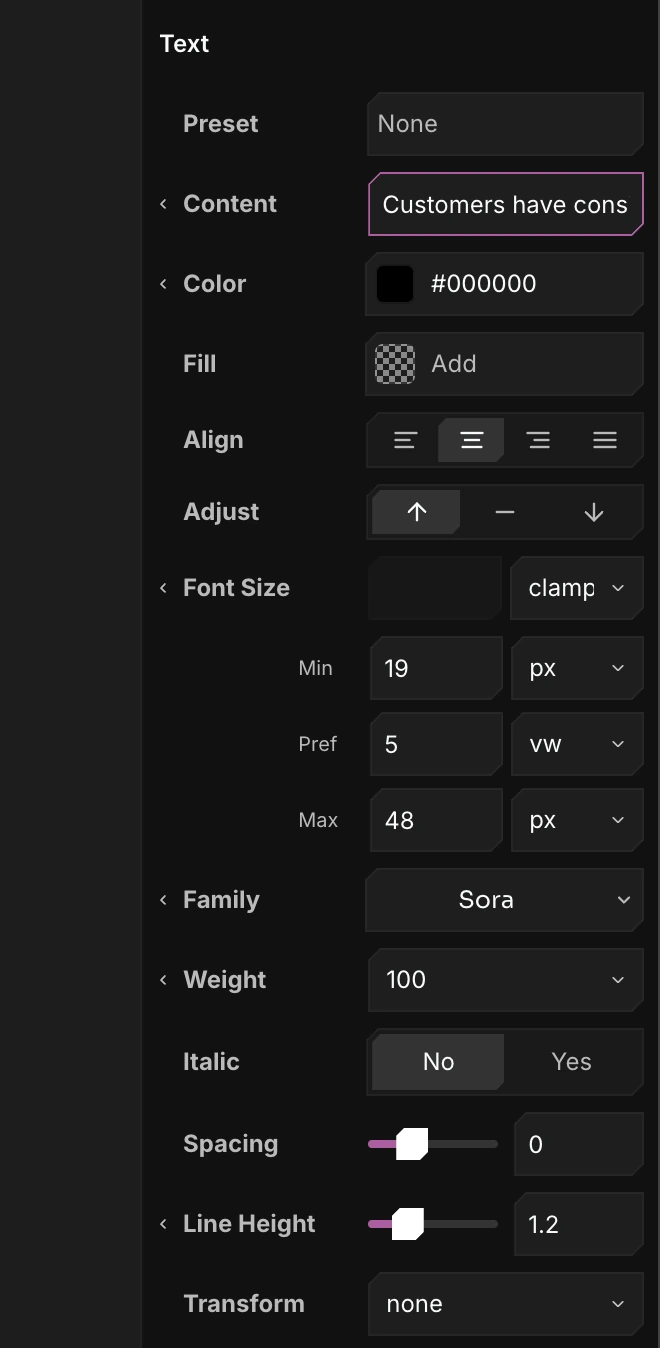
Typography controls
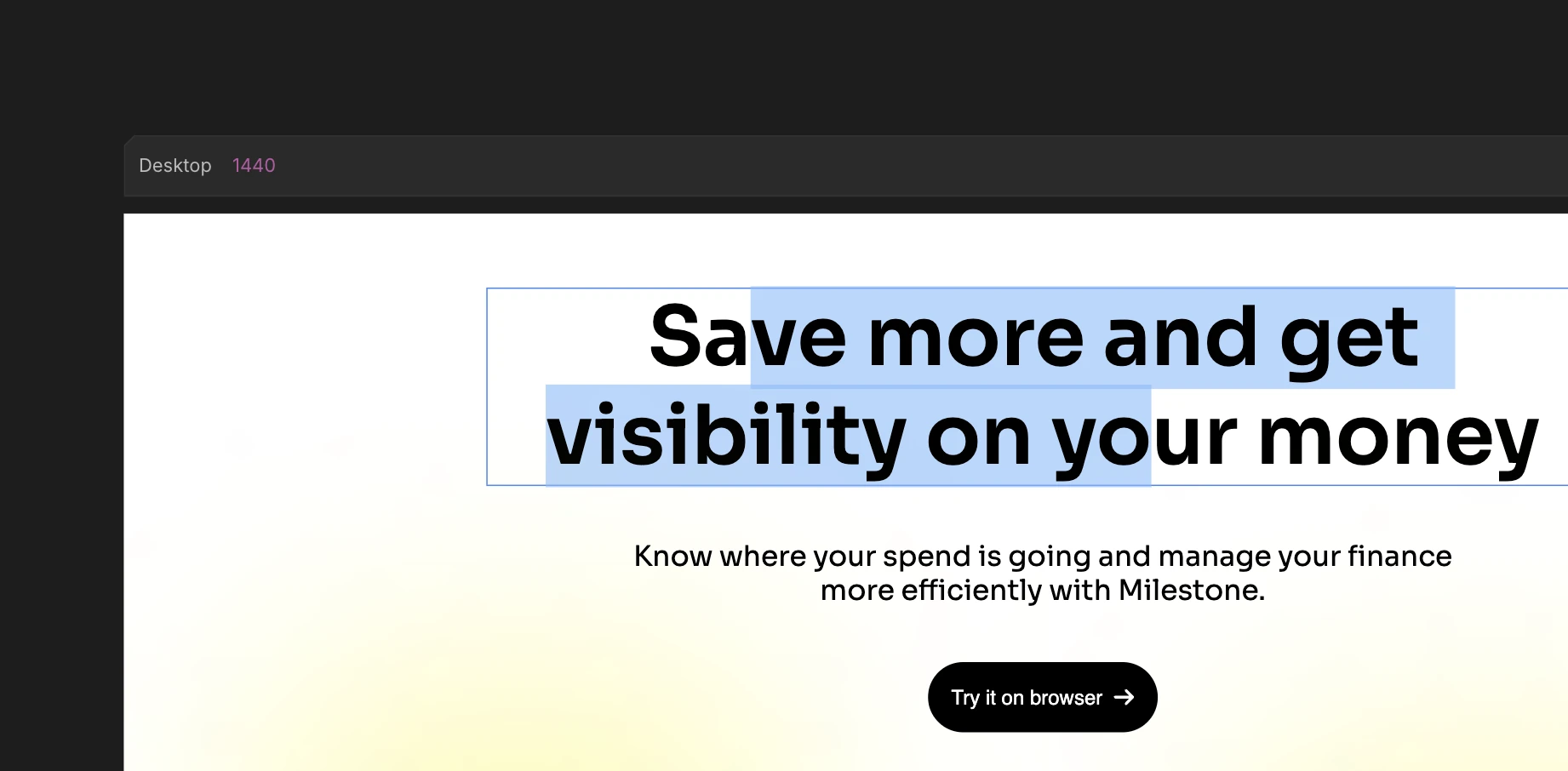
Select a text element and the properties bar gives you every text style - font, weight, size, spacing, line height, transform, decoration, shadow, stroke, and more. Set the Color and Fill, or apply a color preset to either. Select part of the text to style just that portion, like any WYSIWYG editor.