Documentation
Guides for everything in Revyme - from your first frame to publishing, CMS, animation, and the marketplace. Press ⌘K to search.
Get started
11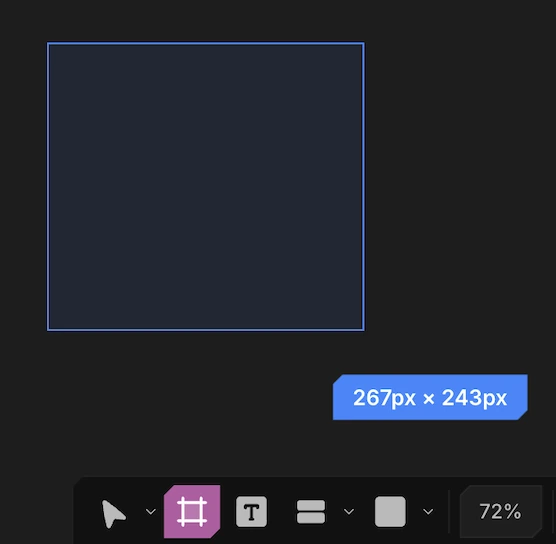 FramesDraw frames, nest them, and reparent by dragging.3 min read
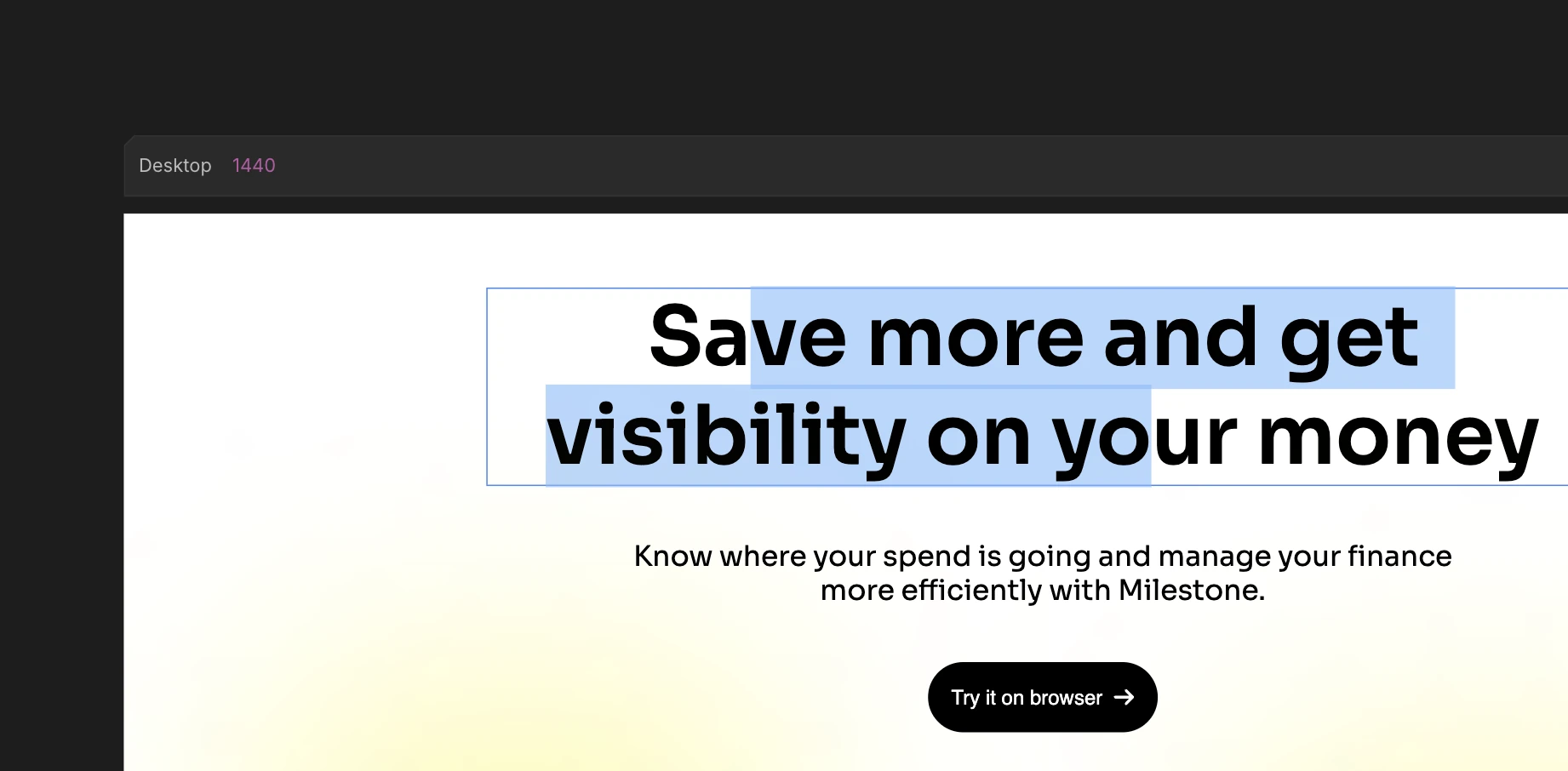 Text & typographyAdd text, set fonts, and apply reusable type styles.3 min read
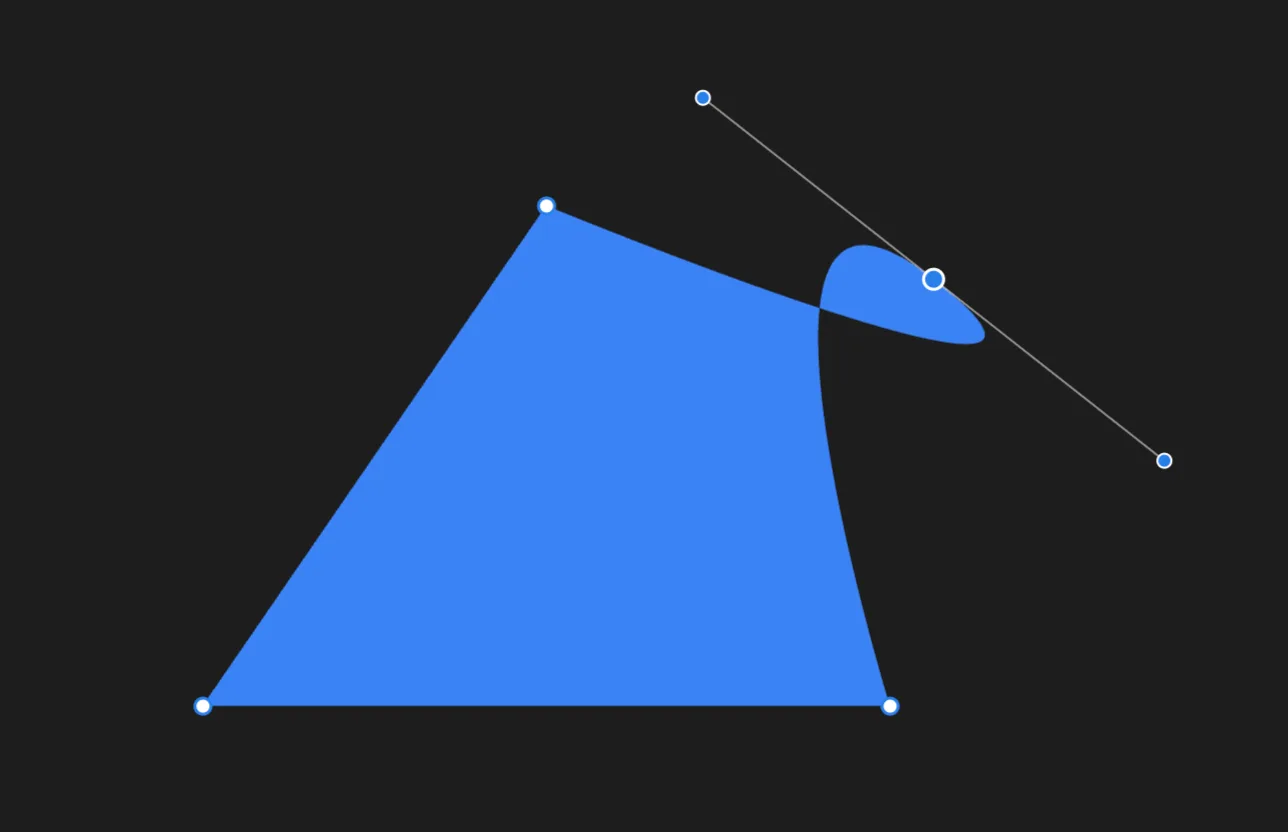 Vectors & sketchesDraw precise vector paths or freehand sketches. Both are real SVG.3 min read
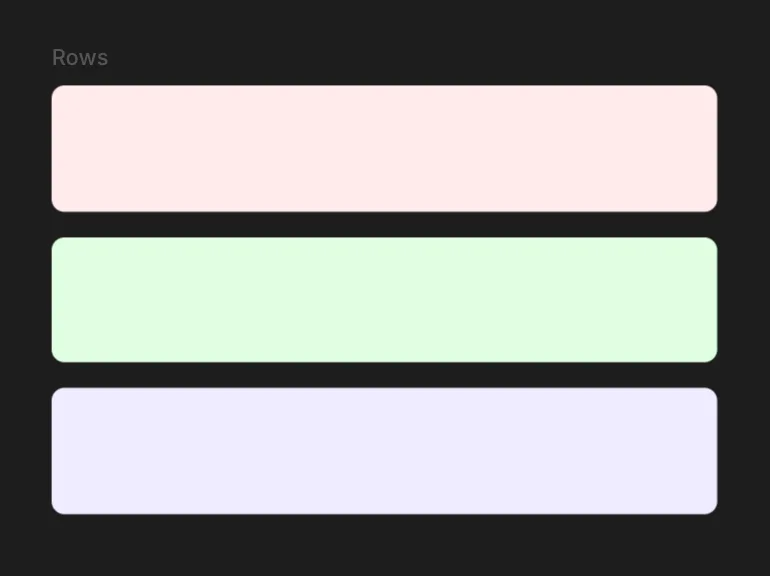 Layout, Position & SizeArrange children with flex or grid, position an element, and size it.6 min read
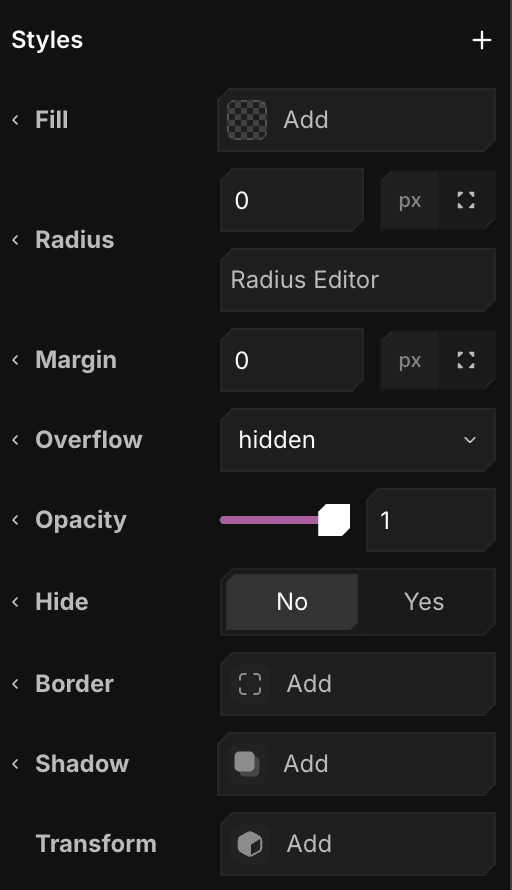 Styles & PresetsStyle elements, then save any style as a reusable preset.5 min read
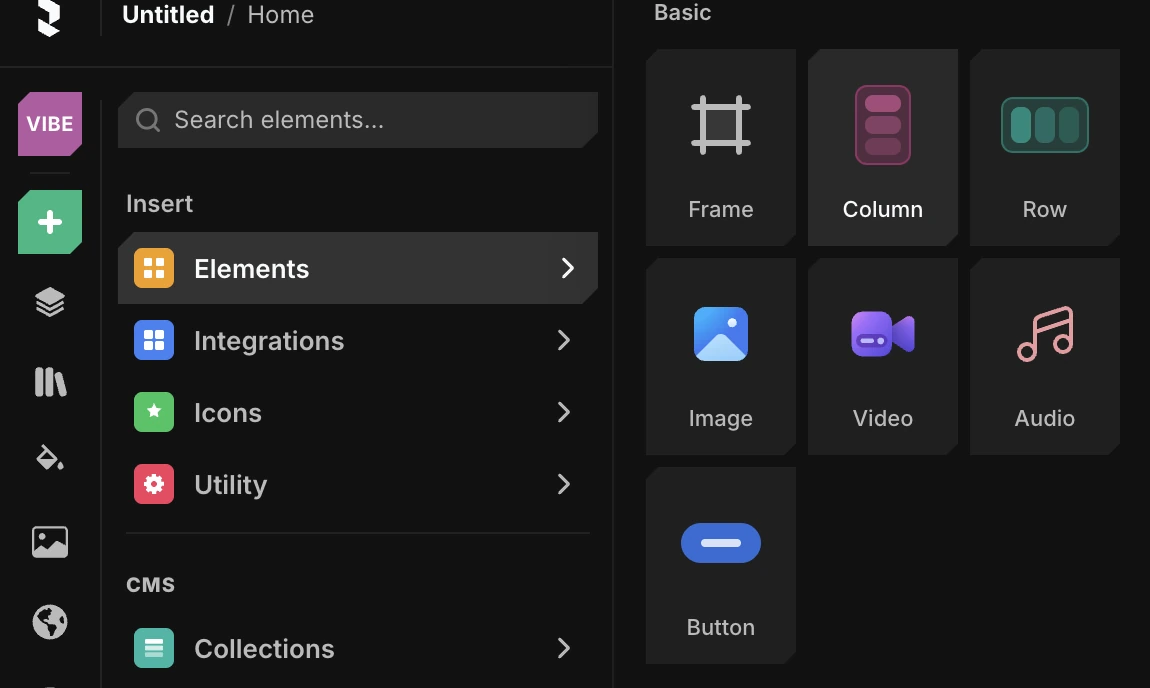 Images, video & audioUpload media, drop it on the canvas, and control how it fits.2 min read
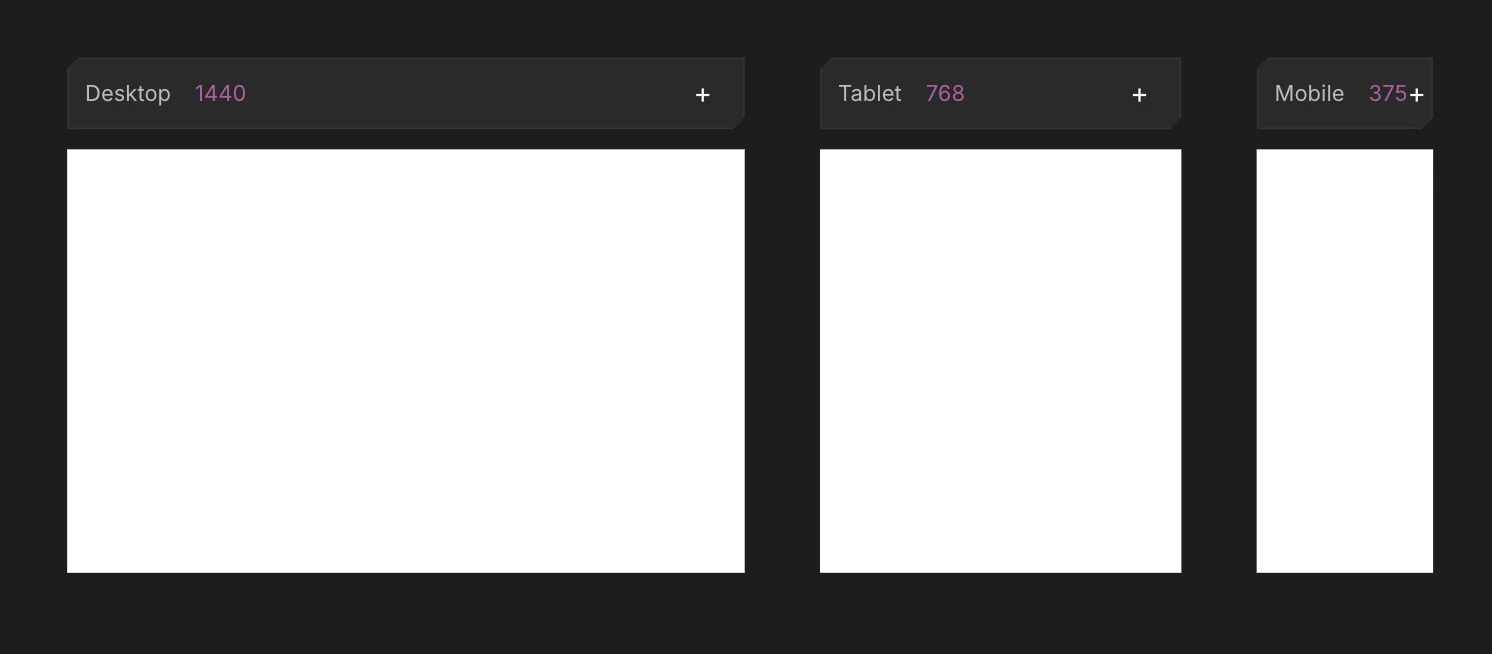 Viewports & breakpointsDesign every breakpoint side by side on one canvas.3 min read
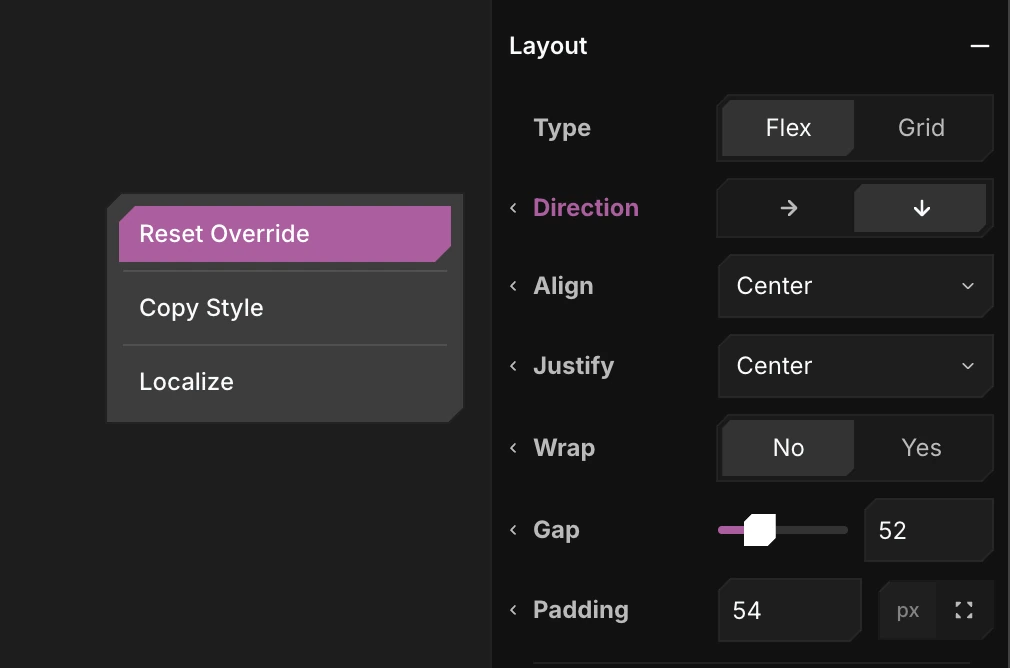 Per-viewport overridesChange any style on tablet or mobile without touching desktop.3 min read
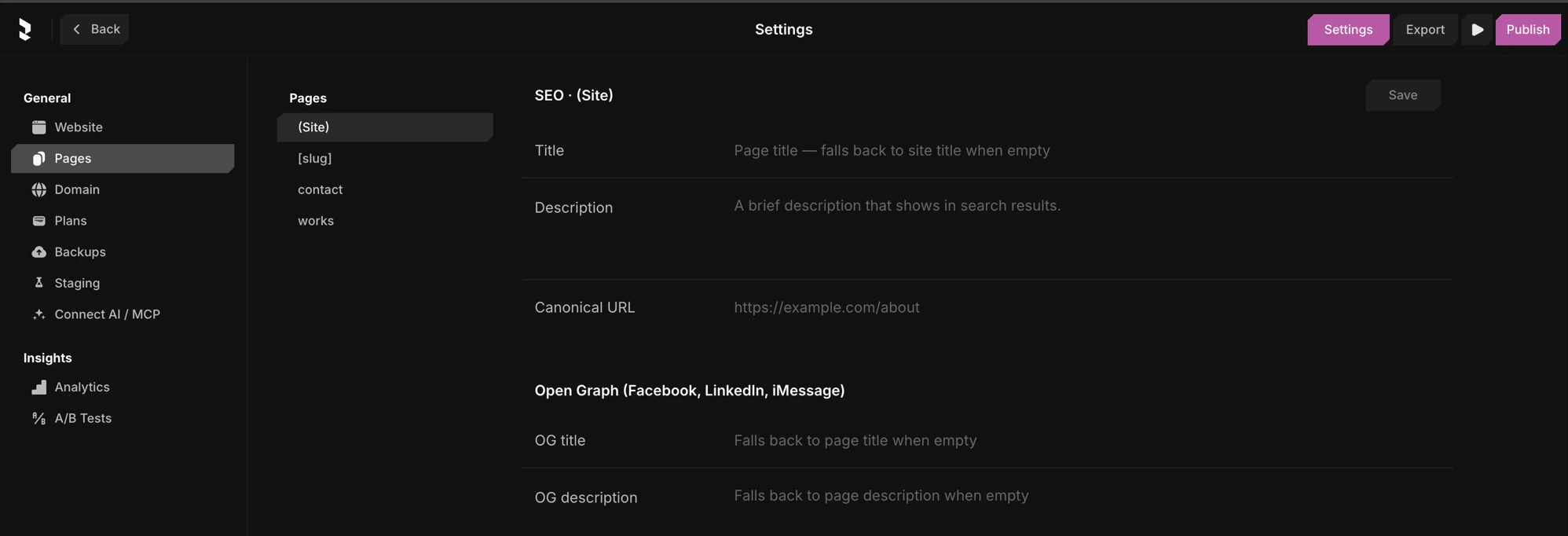
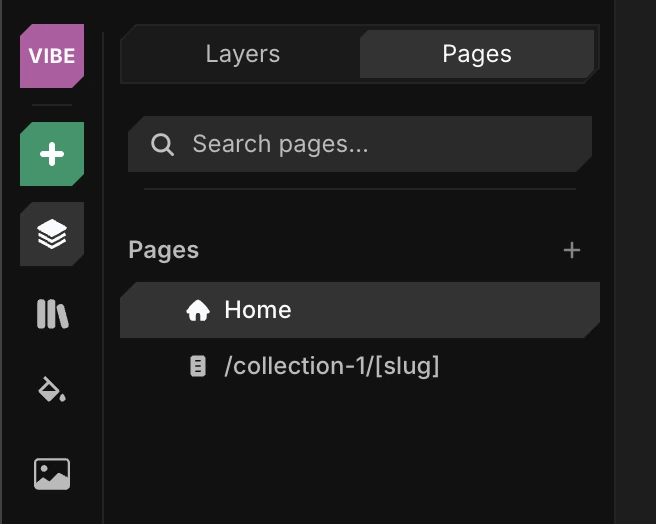 Pages & linksAdd normal, 404, and CMS pages, and link between them.3 min read
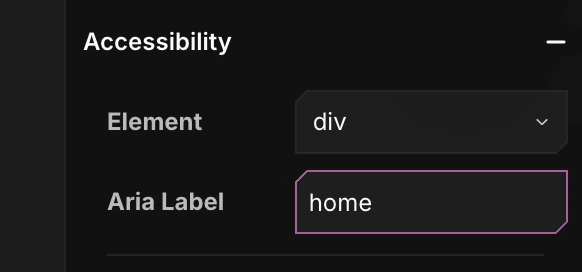 AccessibilitySet semantic tags, alt text, and ARIA labels for screen readers.2 min read
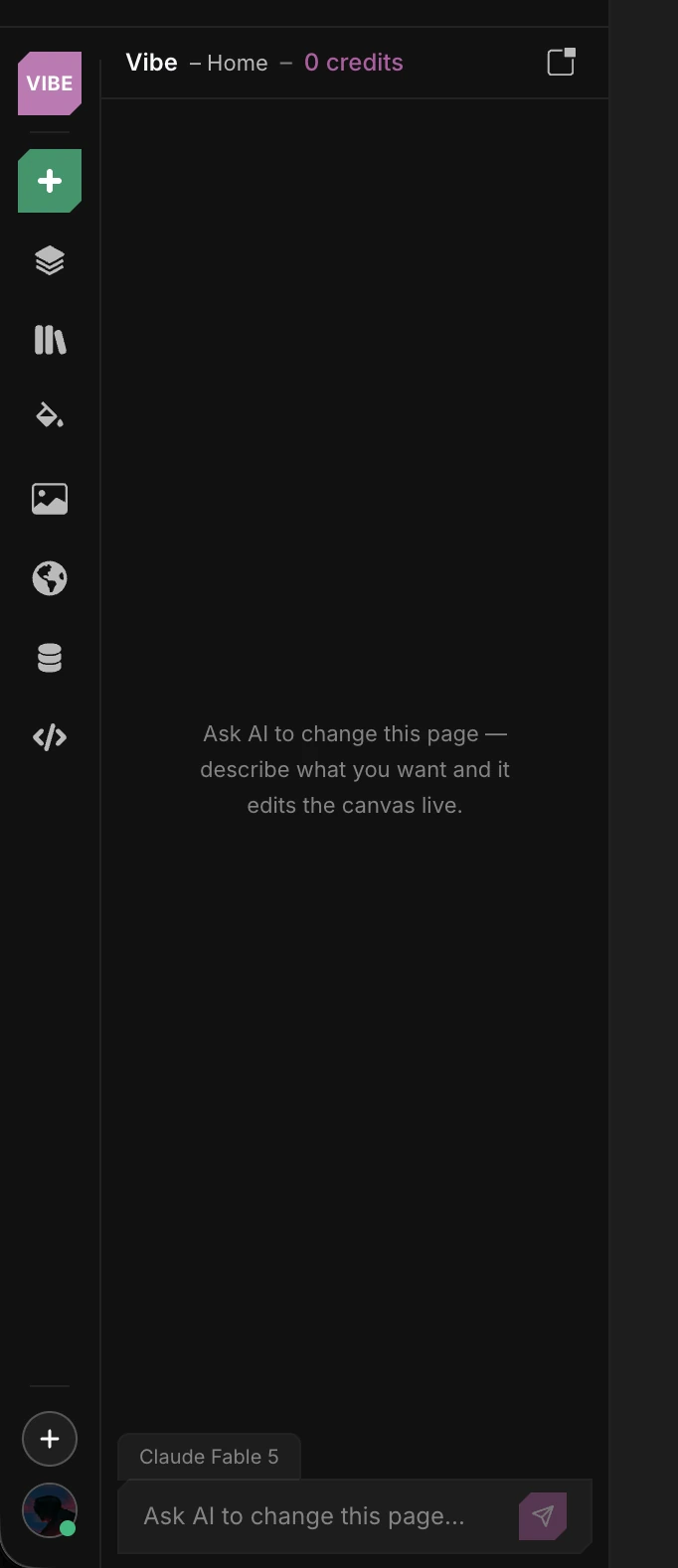 Building with AIAsk the assistant to build pages, components, and collections.3 min read
Components & templates
4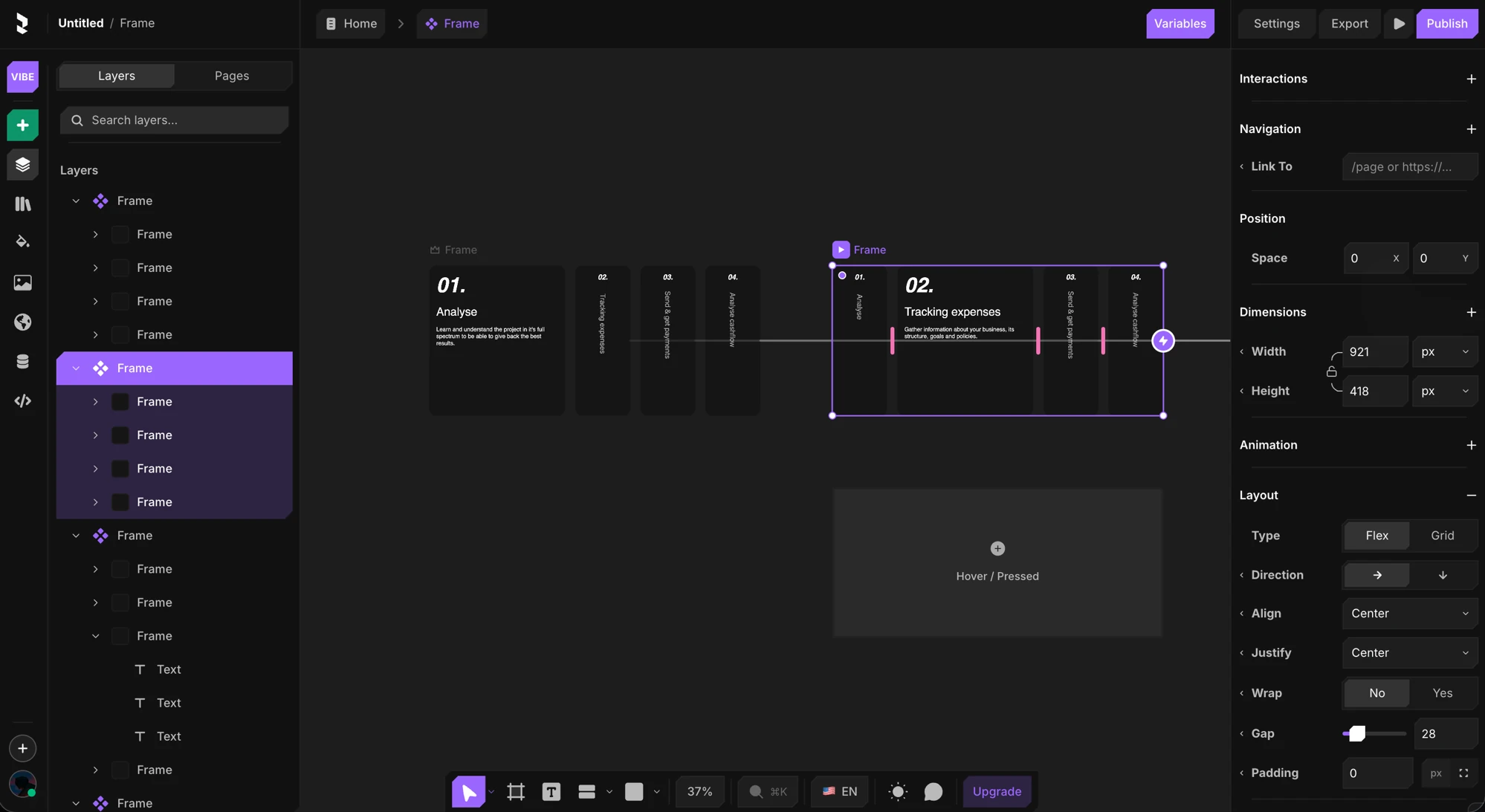 Design componentsReusable components, variants, and interactive states.5 min read
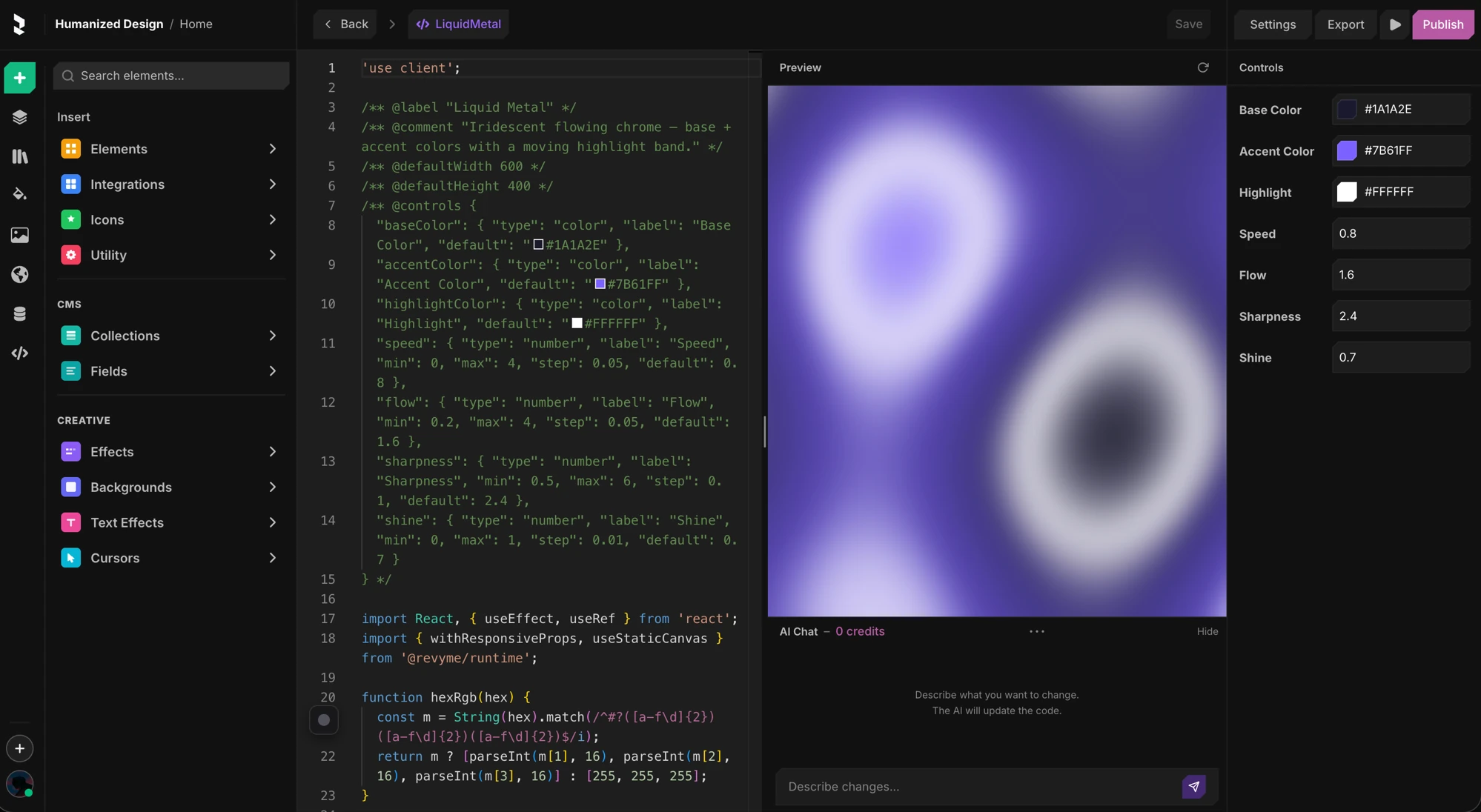 Code componentsWrite a component in TSX and expose props as editable controls.4 min read
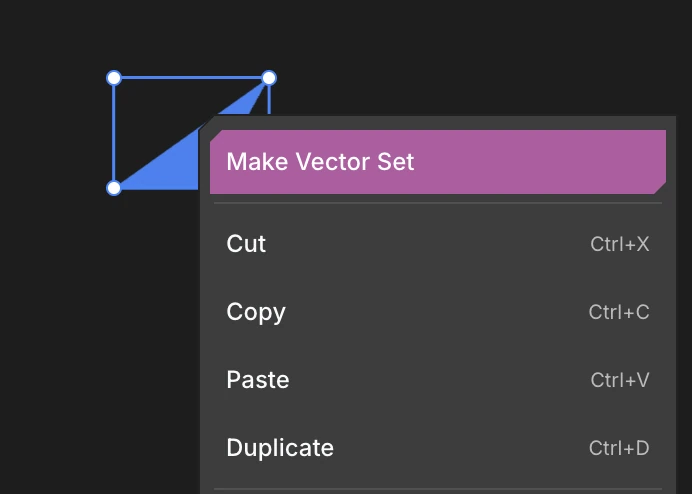 Icon setsBundle related icons into one reusable set, with a variant for each icon.3 min read
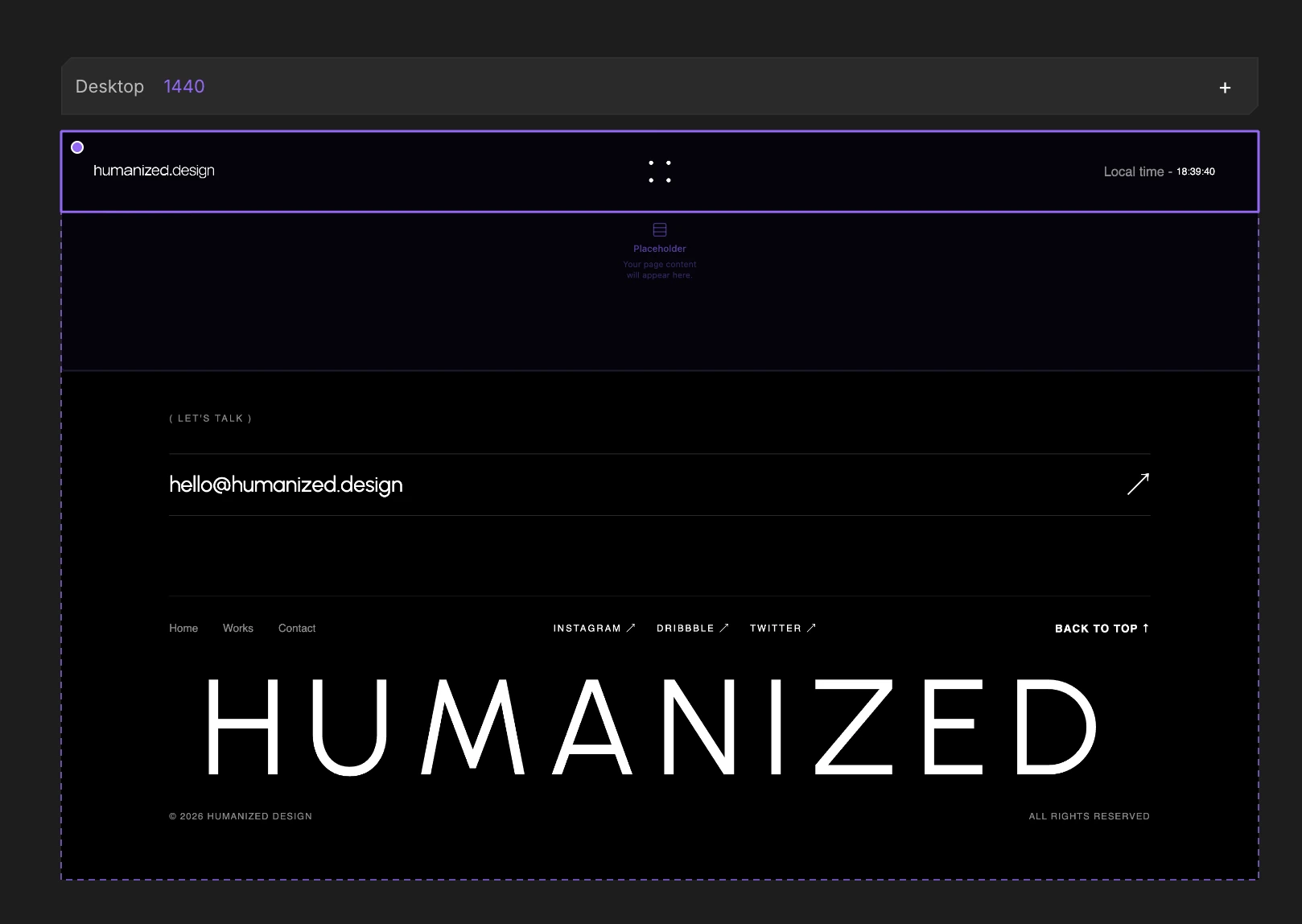 Layout templatesCreate reusable layout templates and add them to your pages.2 min read
Interactions & animation
5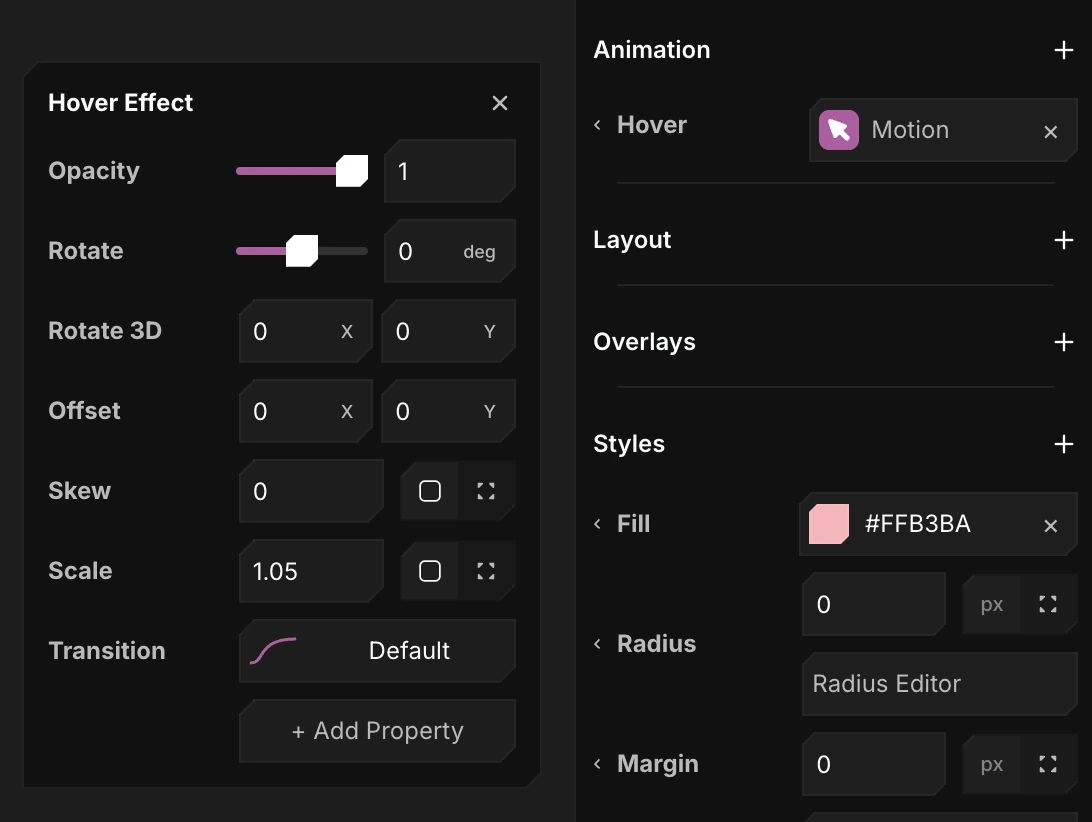 Hover, tap, appear & loopAnimate on hover, on click, when an element scrolls into view, or on a forever loop.4 min read
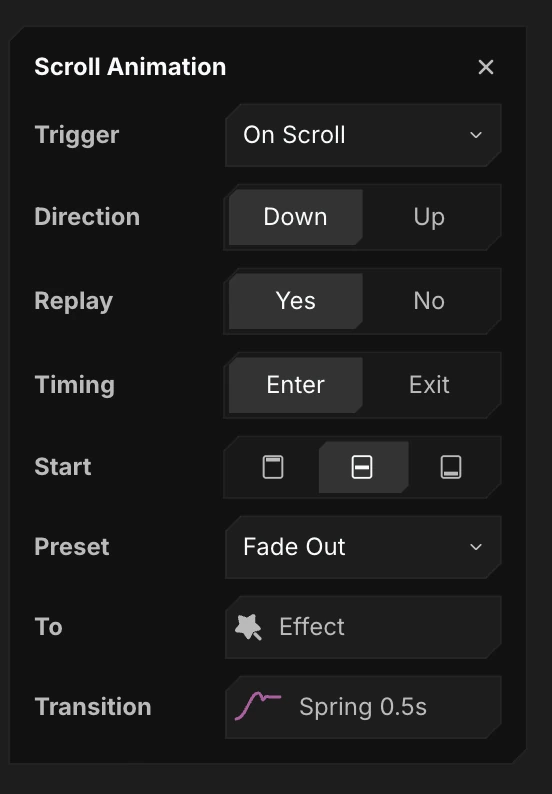 Scroll effects & parallaxTie any property to scroll position, or move layers at parallax speed.3 min read
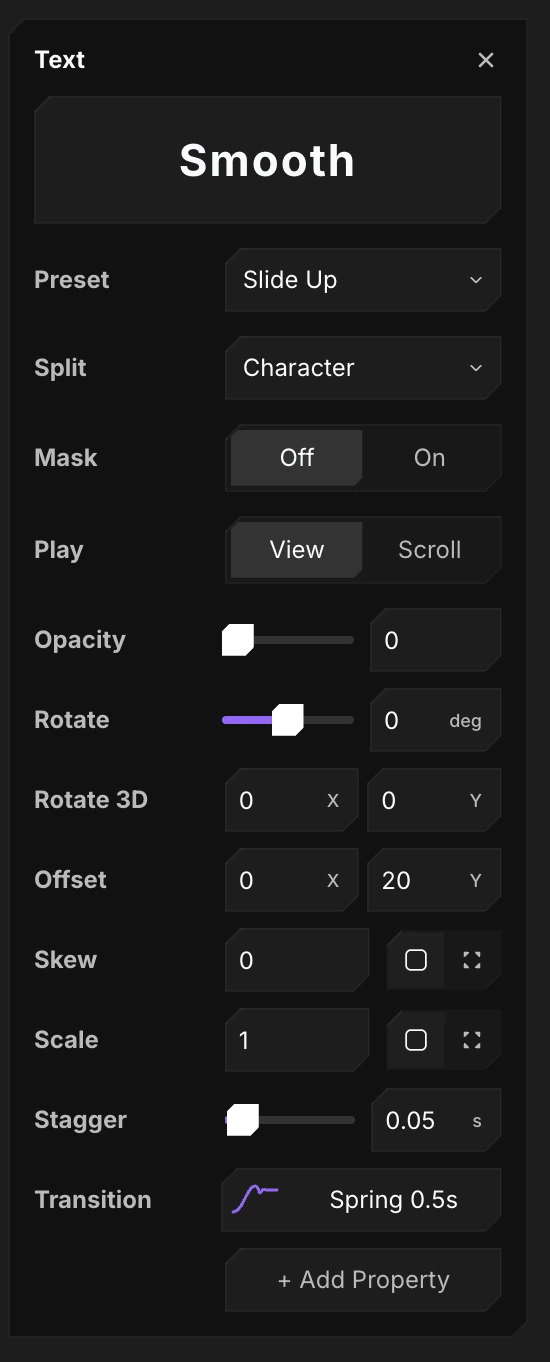 Text effectsReveal text by character, word, or line - split, scramble, stagger.2 min read
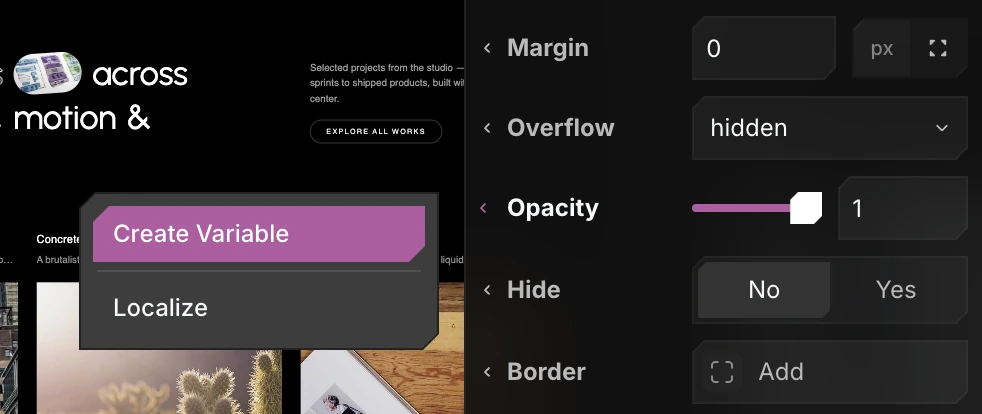 Variables & click actionsHold runtime state in page variables and change it on click.3 min read
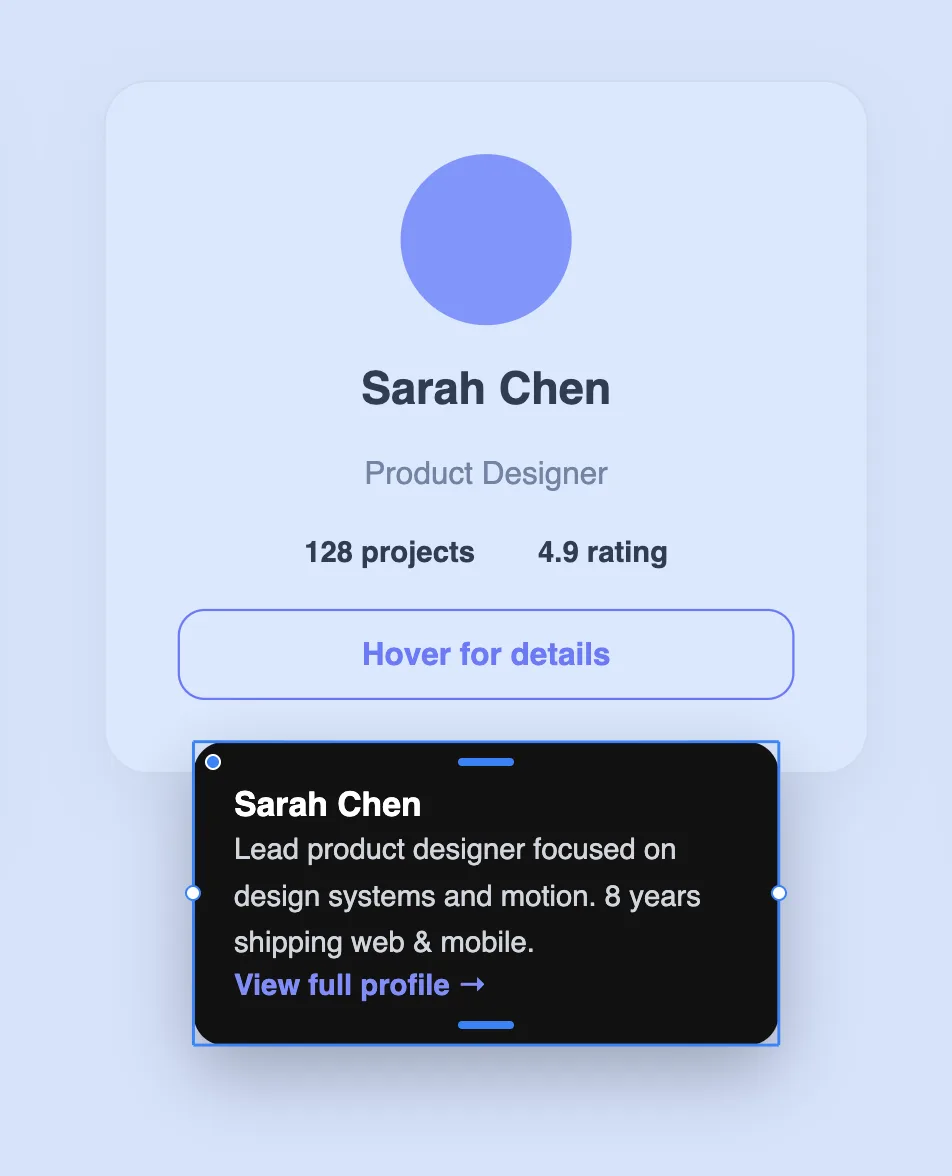 Overlays & popoversOpen a floating panel anchored to a trigger on click or hover.2 min read
CMS & content
2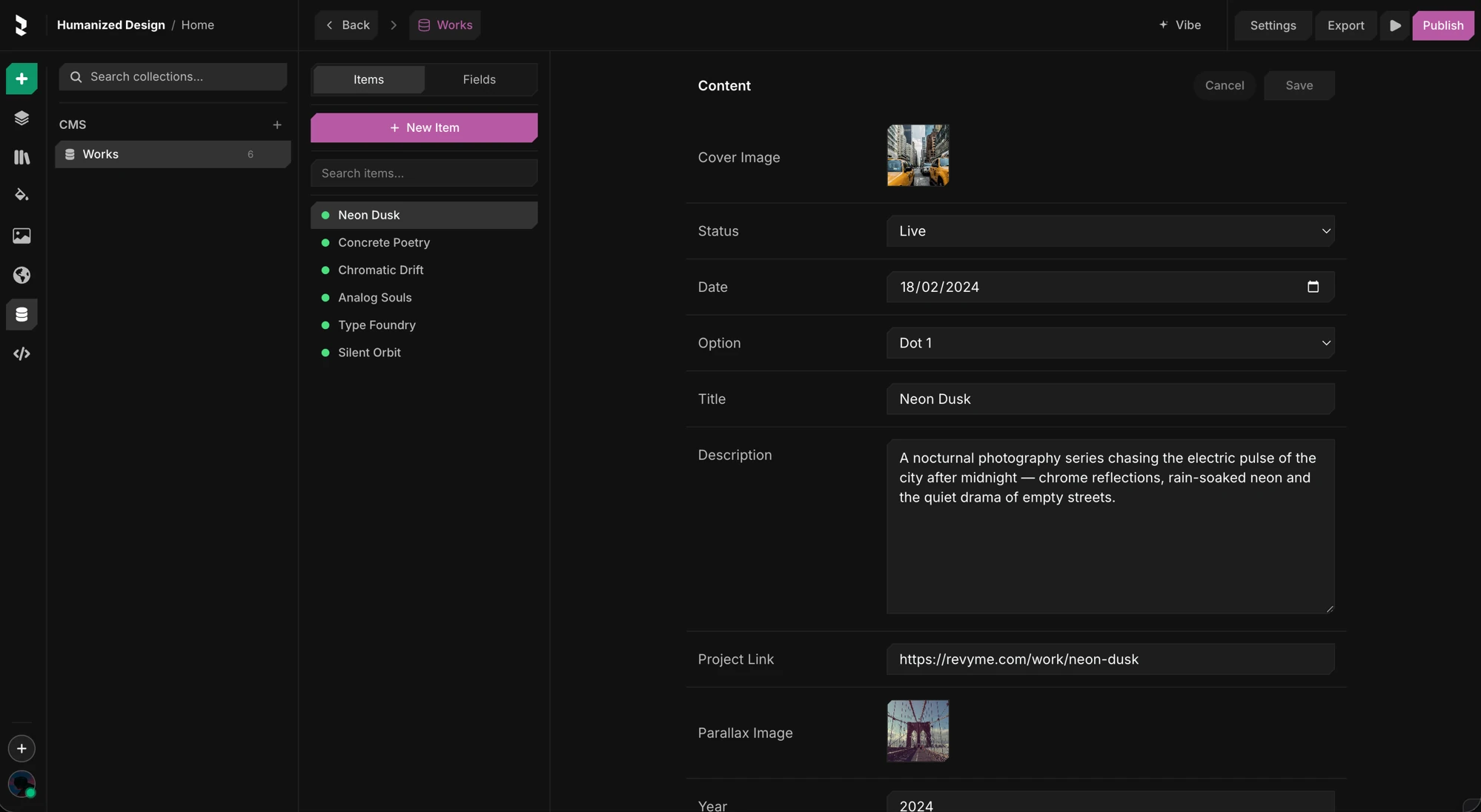
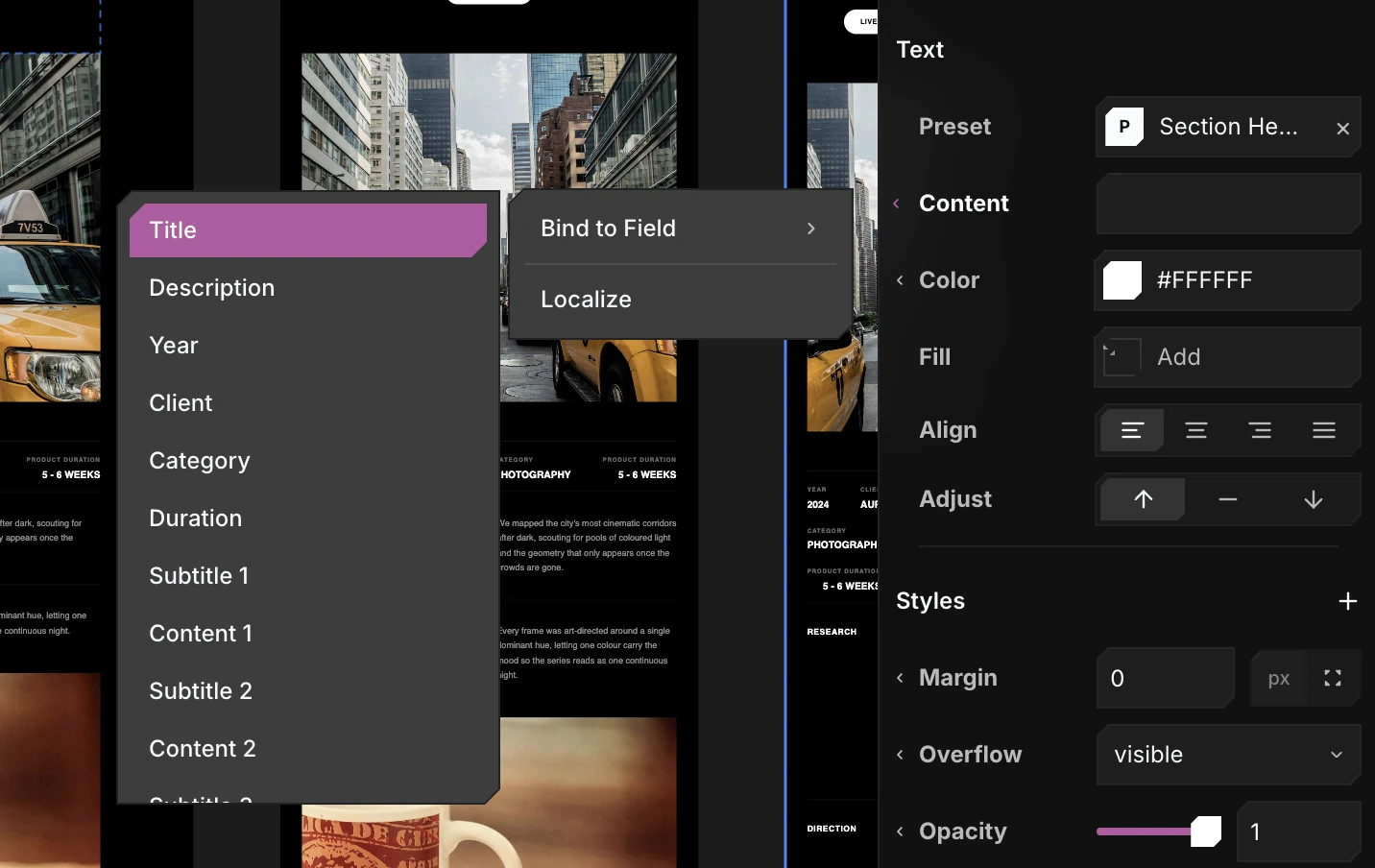
Localization
1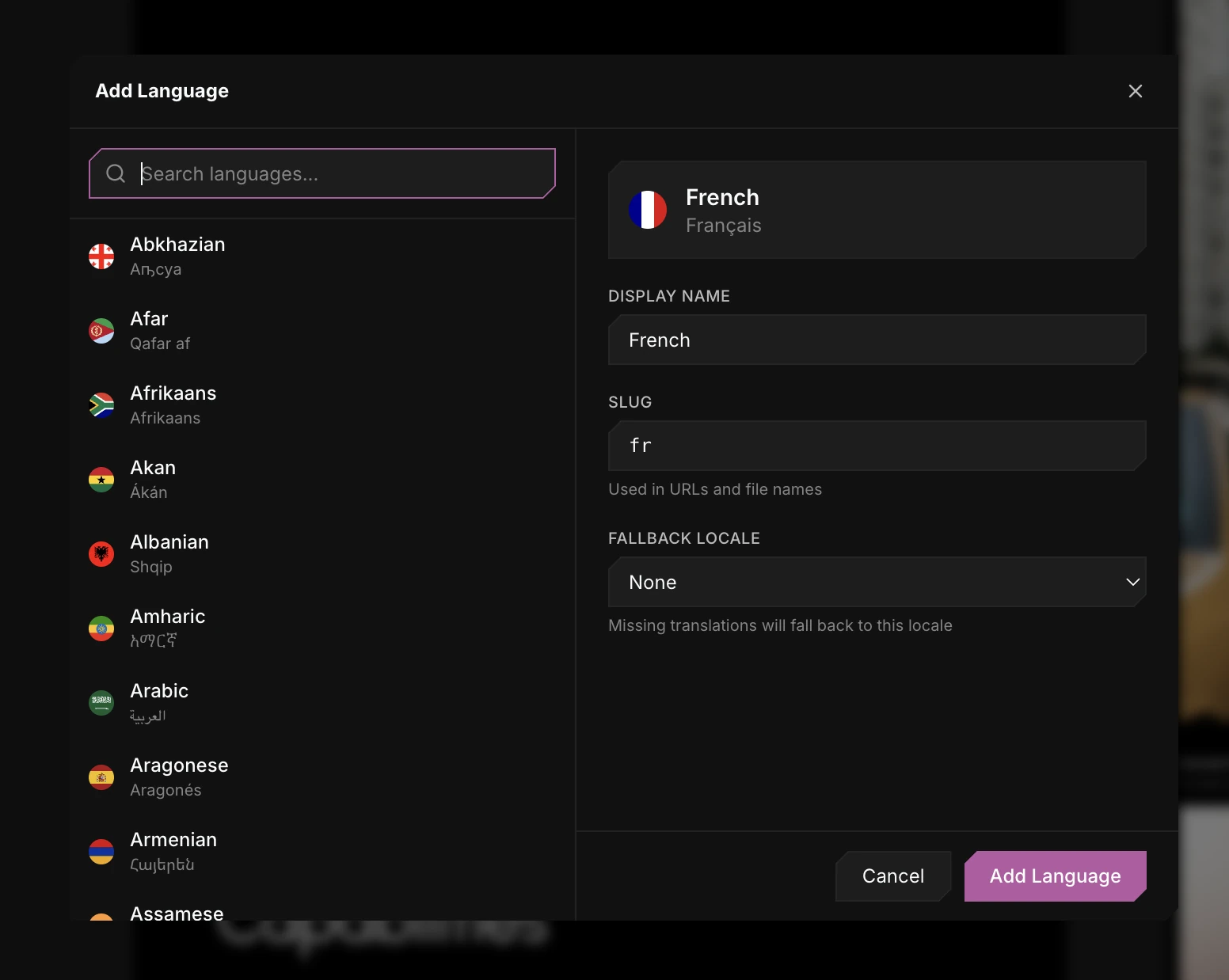
Plugins
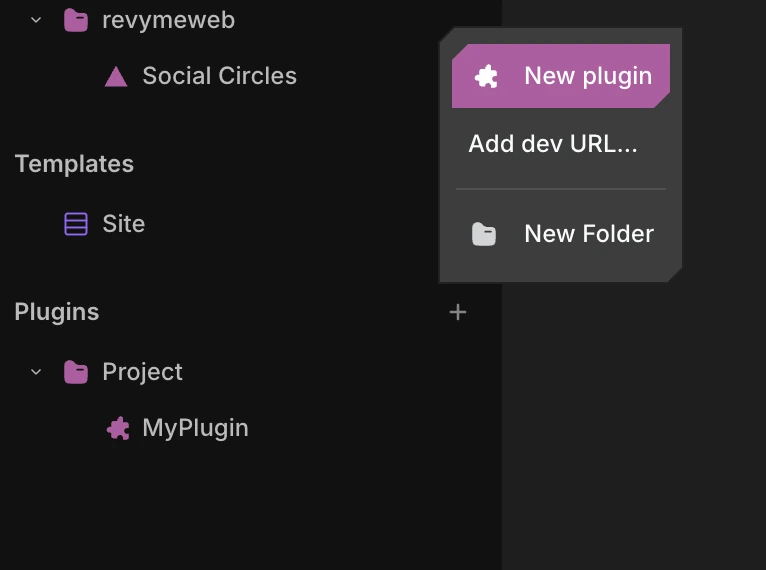
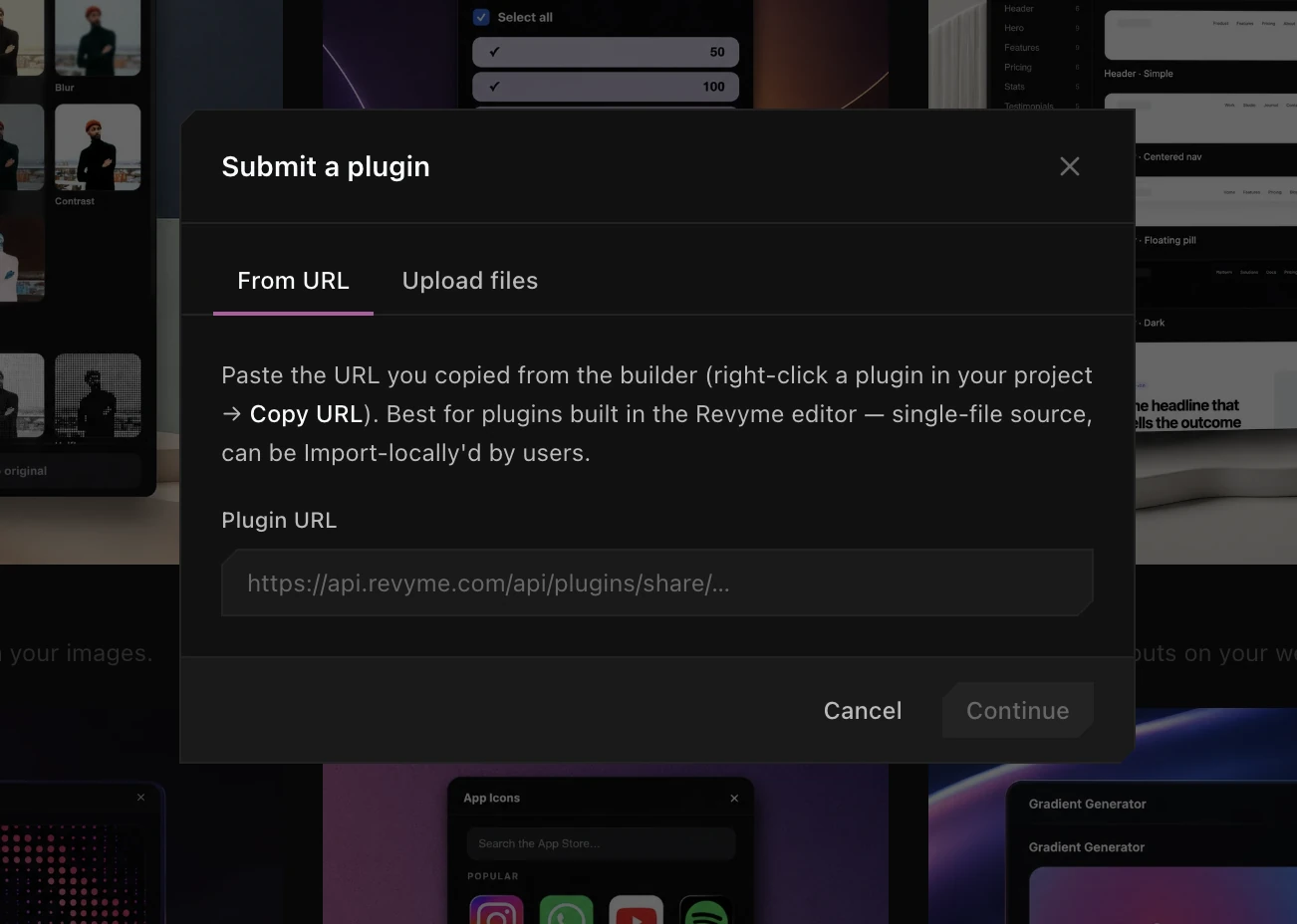
3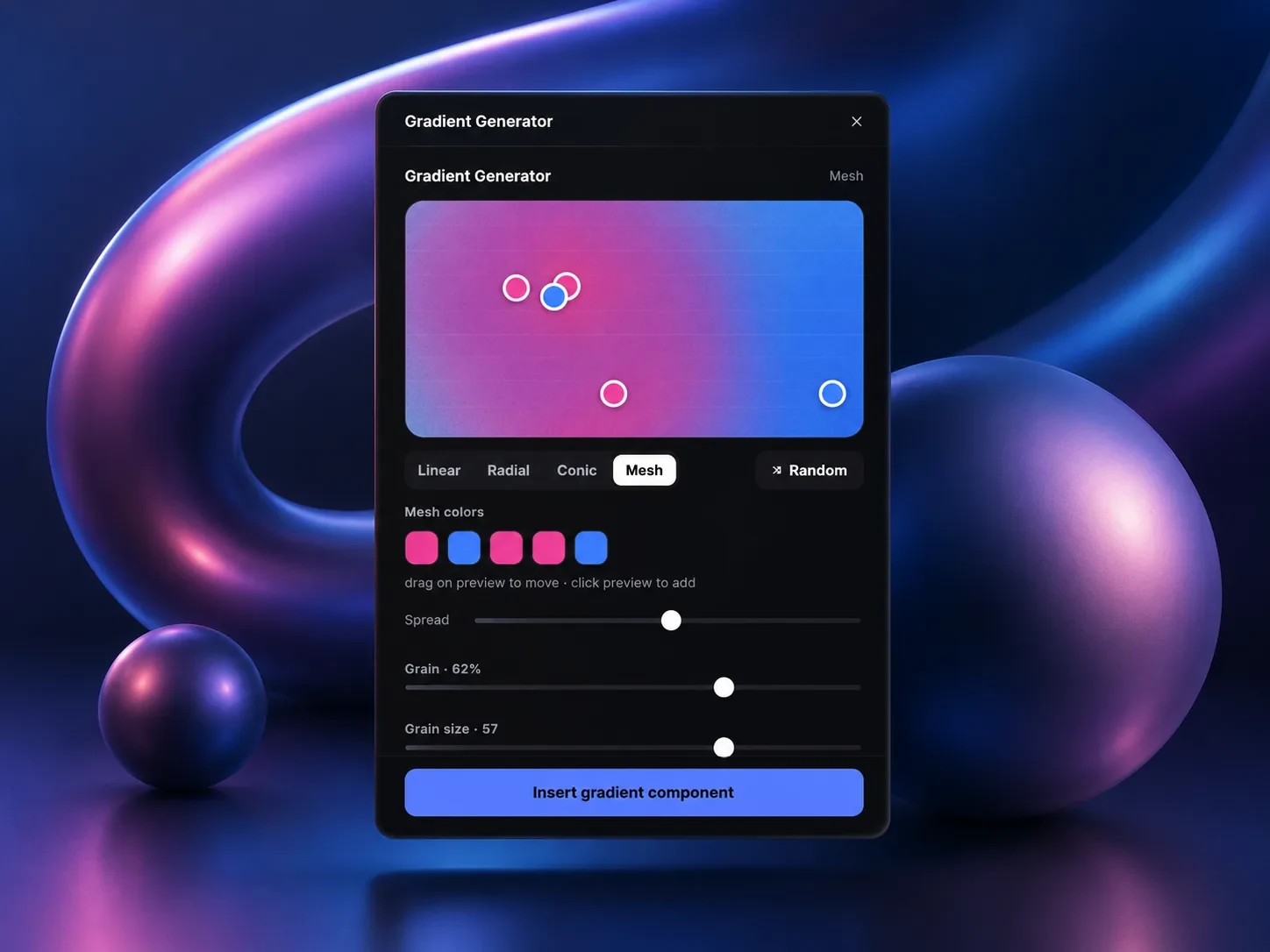
Import from Figma
1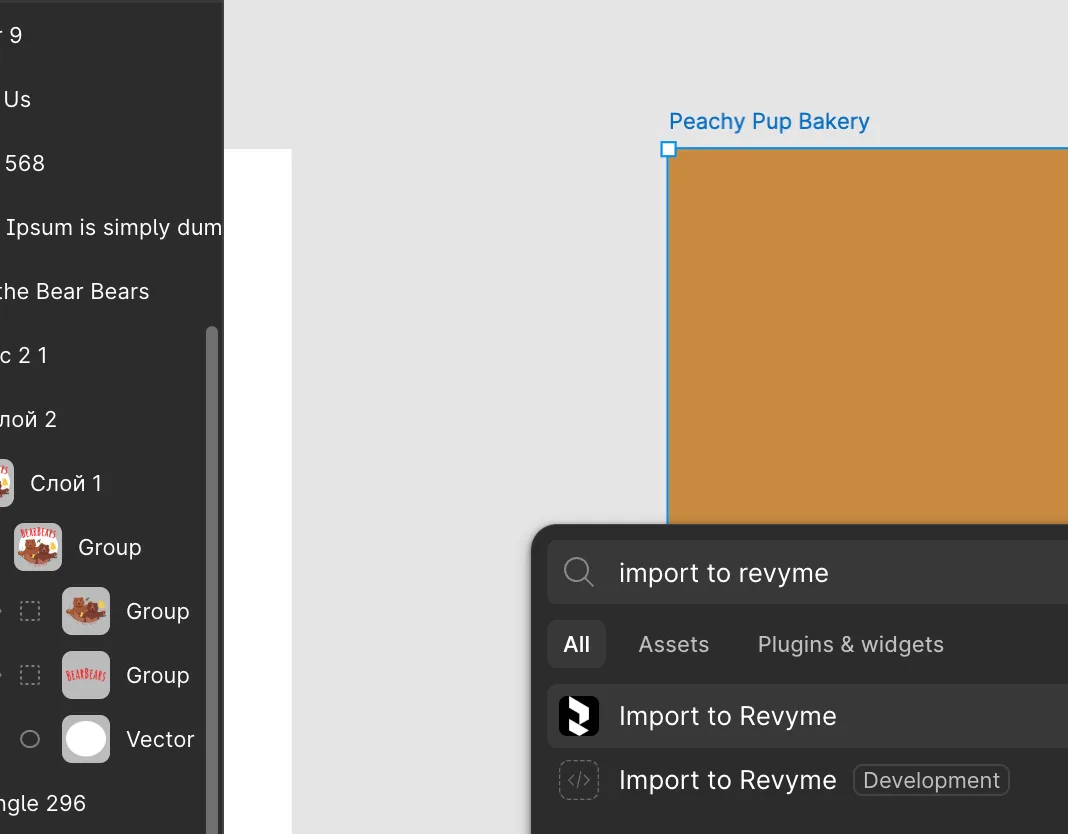
Publish & host
7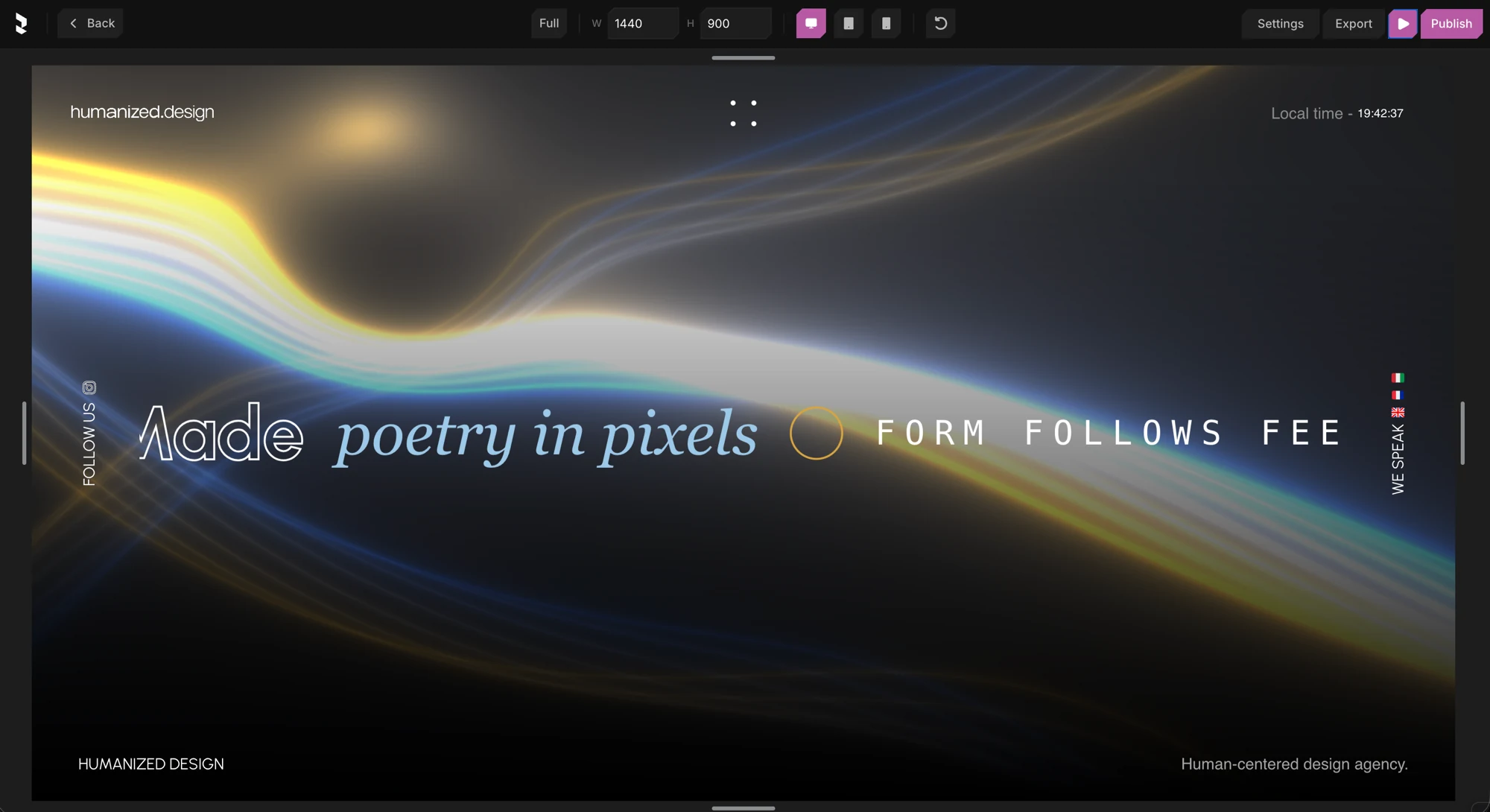 Preview your siteSee your site running in a real Next.js server before you ship.2 min read
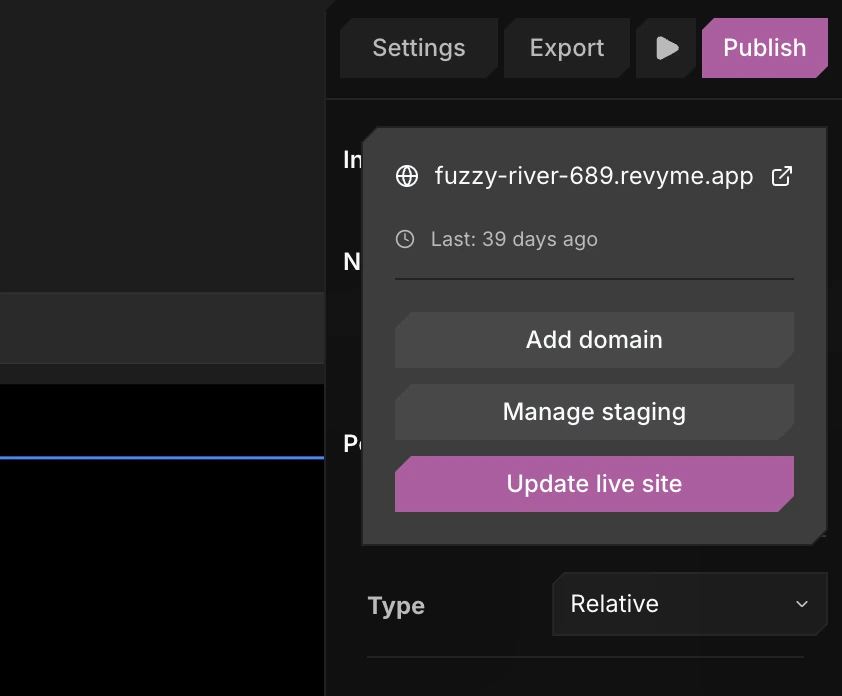 Publish your websiteTake your site live globally with one click.2 min read
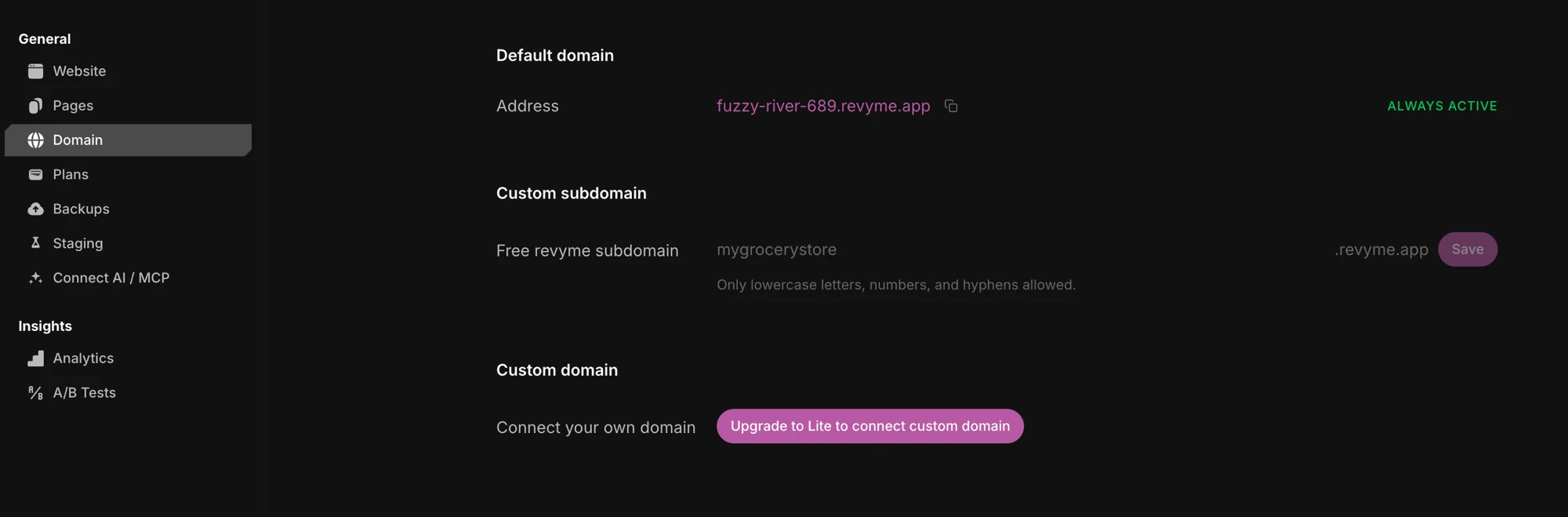 Custom domainsConnect your own domain and point DNS at your site.2 min read
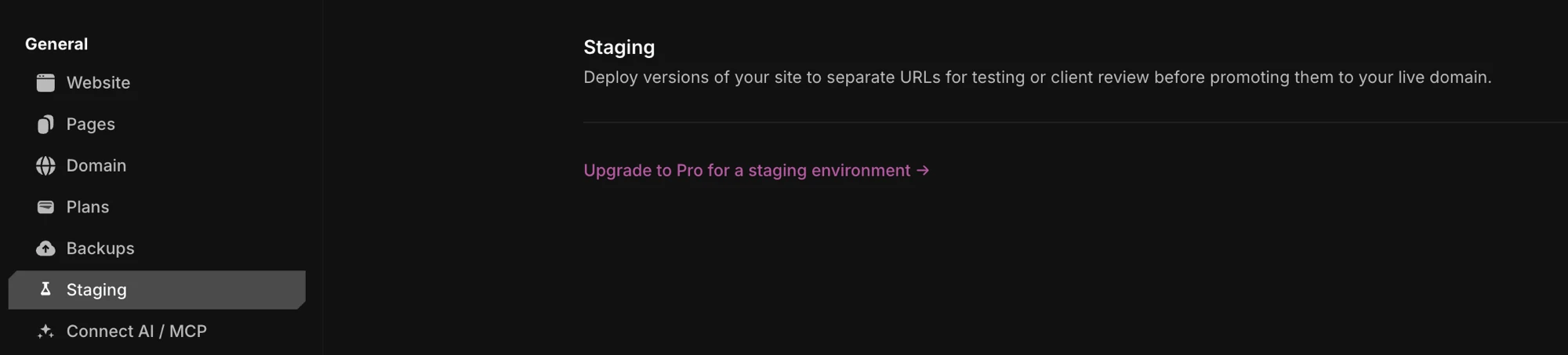 StagingDeploy a test version to a separate URL, then promote it live.2 min read
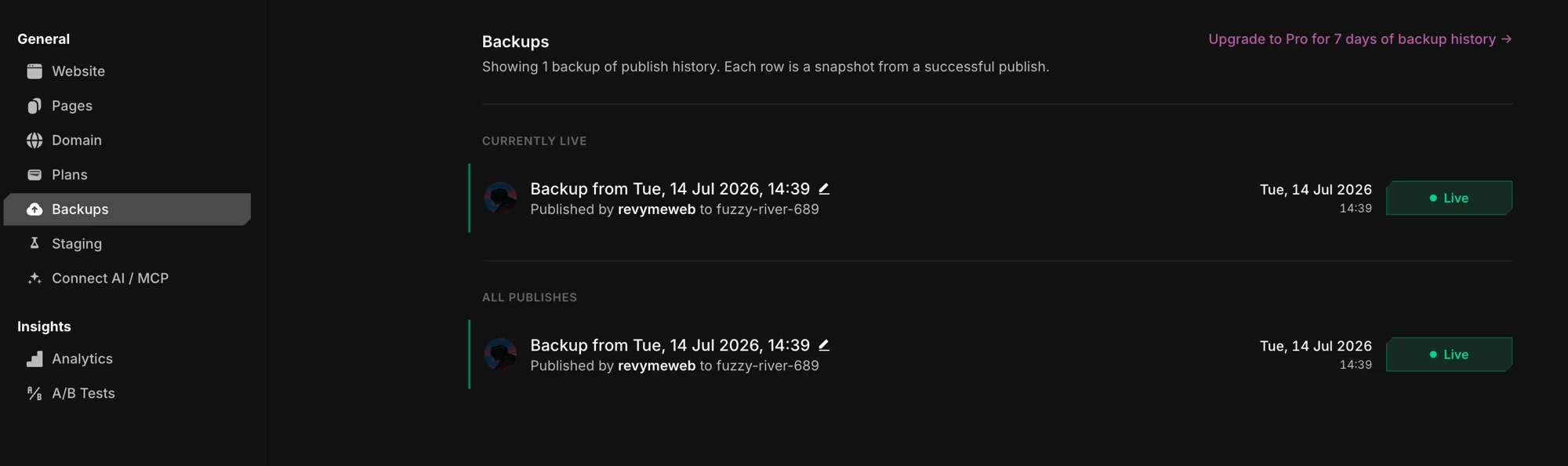 BackupsRestore your project or live site from an earlier snapshot.2 min read
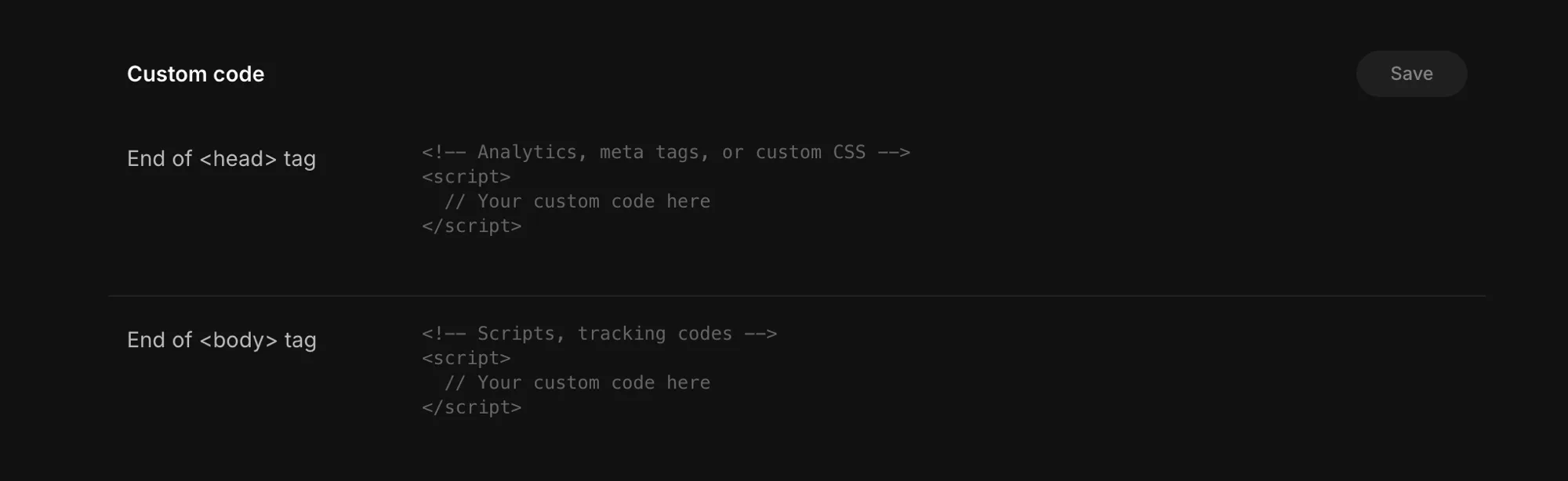 Custom code & redirectsInject head/body code and set up URL redirects.2 min read
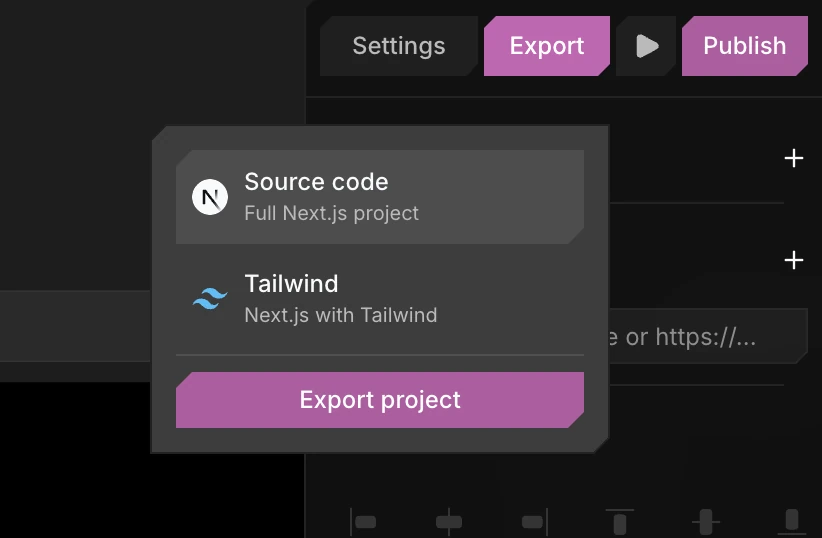 Export & self-hostDownload the Next.js code and run it on your own servers.3 min read